Display stock cards and purity balances
Stock is shown as clear cards by metal and purity, such as Gold 22K or Silver 92.5, with weight, pieces and the average closing rate. Sales reduce the card automatically and purchases or karigar receipts add to it.
Product QR tags and barcode scanning
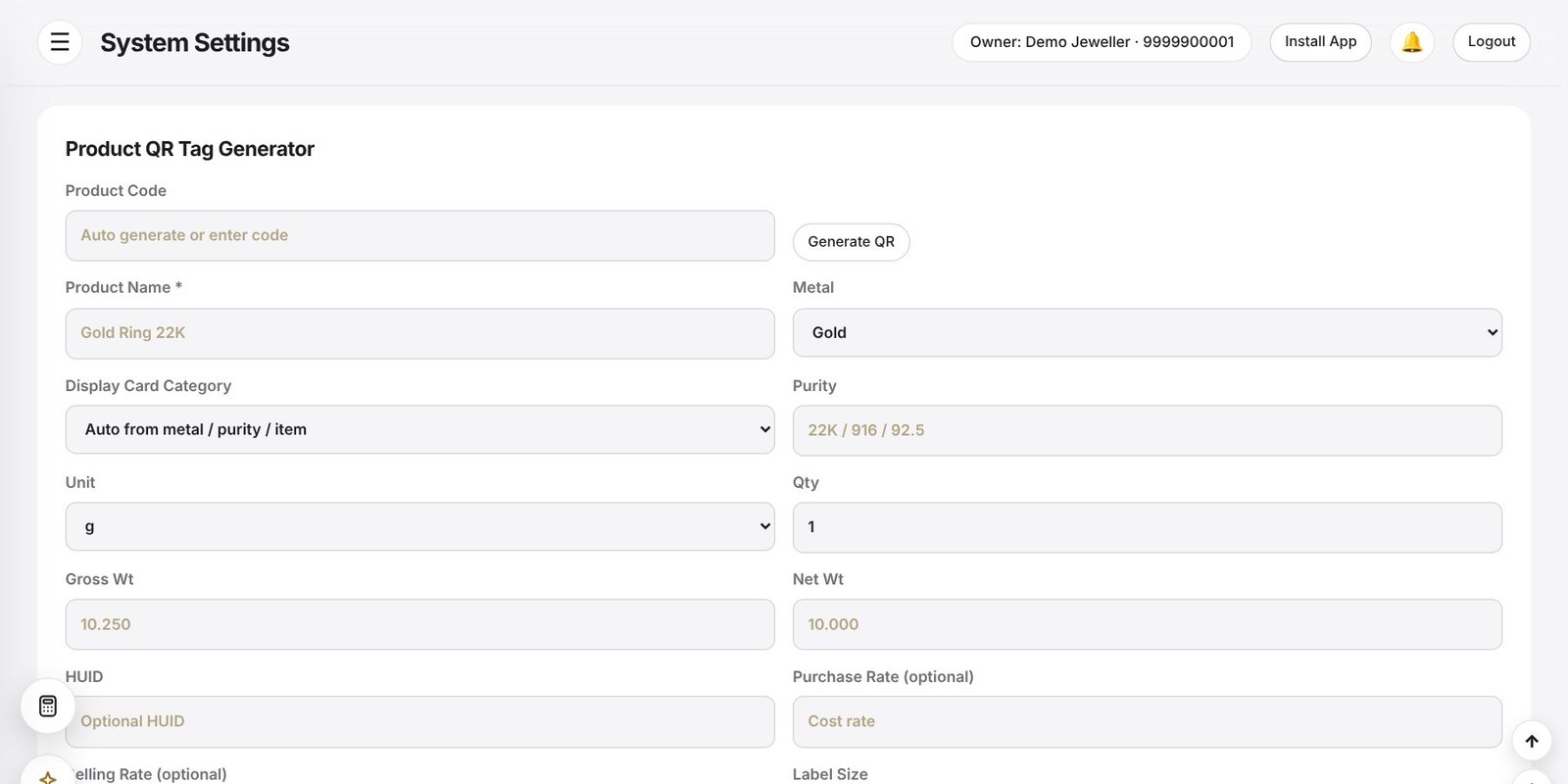
Generate a product QR or barcode with code, name, metal, purity, weights and your selling rate, and print it on a jewellery tag. At the counter, scan the tag on a phone or scanner to fill the item into a sales voucher.
- Product QR tag generator with common tag sizes
- Scan a tag to fill a sales or purchase voucher
- Item-wise and card-wise stock views
- Negative stock alerts and missing-rate warnings
Stock forecast
Based on recent sales movement, JewelBooks marks items as stable, watch, reorder or negative, and the stock-buying agent suggests what to buy, so you stop guessing at the counter.
Karigar and old metal included
Metal issued to a karigar, finished goods received back and old gold or silver taken from customers all flow into the same stock view, so the figure you see is the figure you actually hold.
Frequently asked questions
Can I keep stock in grams and in pieces?
Yes. Items can be tracked by weight, by quantity, or both, depending on the product.
Does it work with a barcode scanner?
Yes. You can scan product QR codes or barcodes with a phone camera or a standard scanner.
How do I find slow or short stock?
The stock forecast and warnings highlight reorder, watch and negative items.
Can I print tags?
Yes. The Product QR Tag Generator prints jewellery tags in common label sizes.